The builder
The builder opens full screen. Its header bar holds the form title, the Build, Settings and Preview tabs, the save status, undo and redo, and Publish. In the Settings tab, a section list on the left jumps to each section.
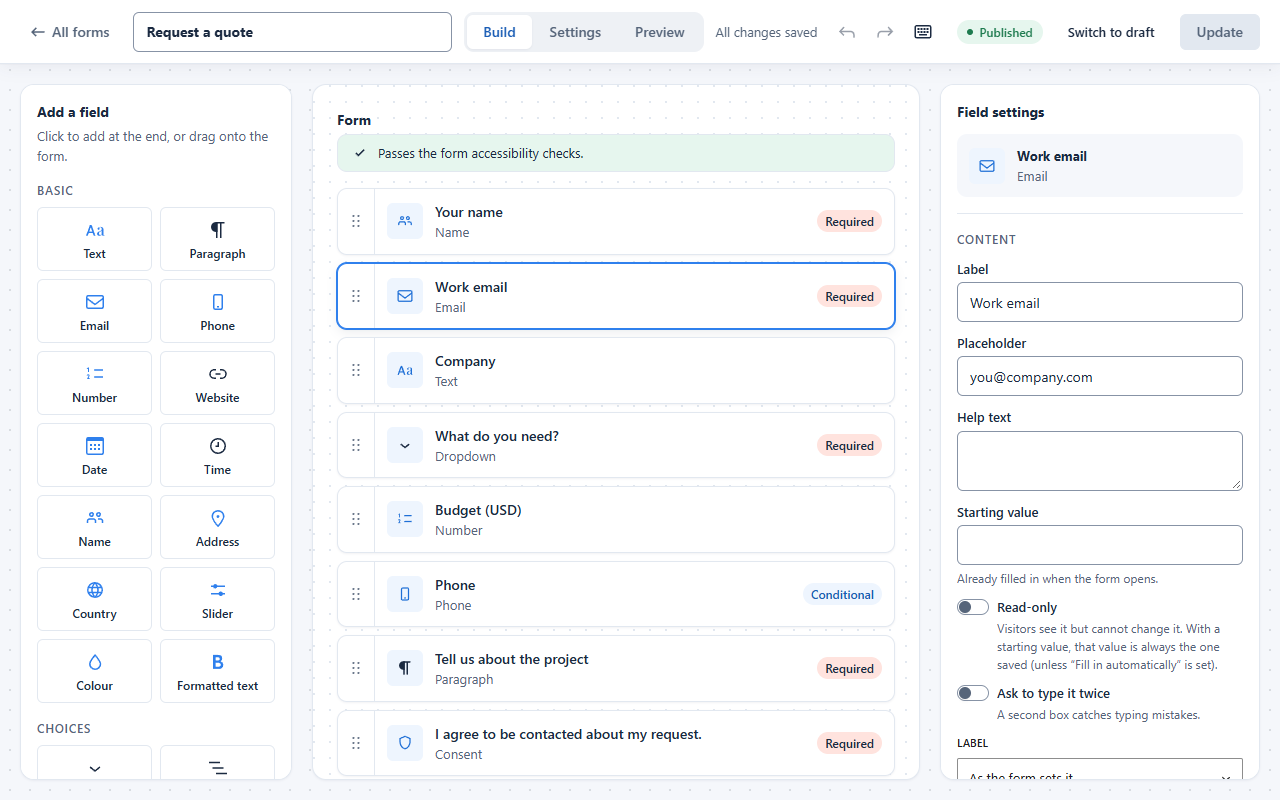
- Add a field: click a field in the left panel to add it at the end, or drag it to the place you want.
- Reorder: drag a field by its handle, or use the Move up and Move down buttons in its settings.
- Edit: click a field to open its settings on the right: label, placeholder, help text, required, width (full, half or third) and conditional logic.
Last updated: